Switch from browser word search to Roboxum
By Find Bind editorial team Current release, published May 12, 2019
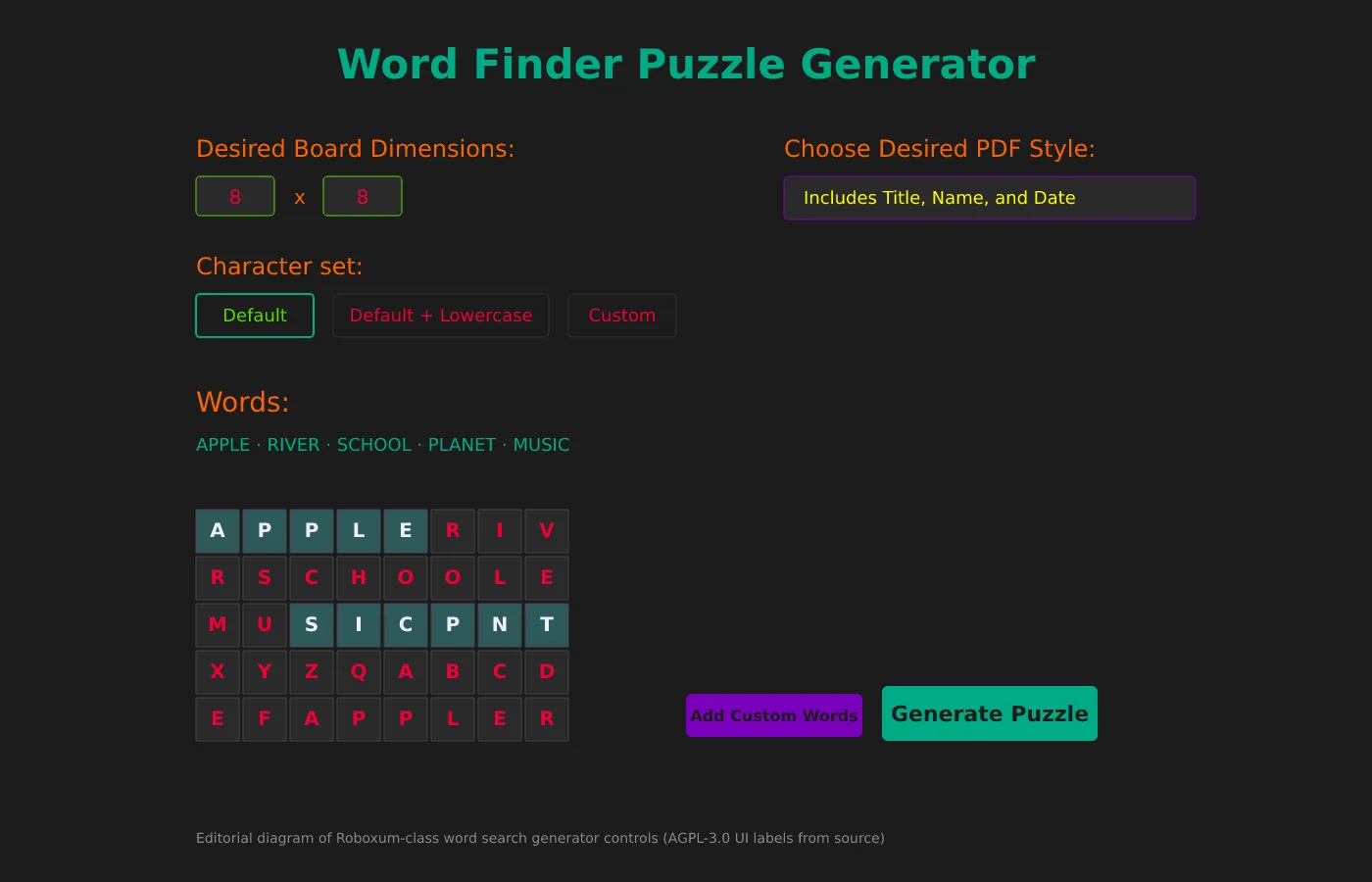
Switching from browser word search means you stop relying on ad-funded tabs for every worksheet and start generating PDFs on a machine you control. Roboxum is the AGPL-3.0 generator this guide uses for that move.
Browser sites still win for a single quick puzzle on a locked-down guest account. They lose when you need a repeatable classroom word search with your own vocabulary and no account wall.
Install Roboxum from GitHub Releases first. Prove one PDF. Only then recreate the word lists you used to type into browser makers.
What transfers and what does not
Vocabulary transfers when you retype or paste words into Add Custom Words. Site streaks, profiles, and themed portal catalogs do not transfer into Roboxum.
Printed PDFs from browser sites can stay in your binder as answer keys while you regenerate cleaner grids locally. Layout templates unique to a website will not appear automatically.
If a browser tool exported a plain word list, use that list as your custom words. If it only offered print view, rebuild the list from your lesson plan.
A practical migration afternoon
Download the Windows 64-bit zip, extract it, and generate a tiny sample word search. Keep your favorite browser site open in another window as a fallback.
Enter five lesson words with Add Custom Words, choose Includes Title for the PDF style, and generate. Compare the printout with your old browser worksheet.
When the local PDF looks right, bookmark Releases for updates and demote Softonic-class download pages out of your teaching bookmarks.
Softonic-class downloaders
If your old habit was a Softonic-class “word search download,” delete that installer path entirely. Replace it with the GitHub zip name written on a sticky note.
Adware wrappers can survive in browser download folders. Clearing those folders reduces surprise toolbars the next time someone searches for word search.
Comparison context: vs online word search and vs Softonic-class downloads.
Keep a graceful fallback
Students on Chromebooks without Windows still need a browser word search option. Document which machines get Roboxum and which stay online-only.
Do not promise that every online puzzle feature exists offline. Roboxum is a generator with PDF output, not a live multiplayer lobby.
When policy blocks exe files, use the Python source path on allowed Linux images instead of shady mirrors.
Operational habits that keep word search installs honest
- Write the GitHub Releases URL on the machine ticket beside the extract folder.
- Prove one printable word search PDF with Default character set before editing customCharacterSet.txt.
- Keep a browser word search bookmark for guests without install rights.
- Pin the exact zip name when a new tag appears before imaging every lab PC.
Find Bind verifies asset names and README requirements for this word search guide. Upstream product bugs belong on the Roboxum issue tracker.
Printable word search packets without account walls
A local generator keeps vocabulary lists and PDF worksheets on disk you control. That matters when a browser word search maker changes layout the night before a quiz.
- Windows carts: prefer
Roboxum_*_Windows.64-bit.zipfrom GitHub Releases. - Linux and current macOS: Python source with Tk and fpdf, not invented store ids.
- Treat Softonic-class pages as distractors when people search for word search.
After every reimage, prove one short word search PDF before you call the cart ready for class.
Checklist for a clean word search desk
- Type github.com/NoahTroy/Roboxum/releases yourself.
- Prefer
Roboxum_*_Windows.64-bit.zipon current tags. - Extract so Roboxum.exe sits beside wlen.dat.
- Generate one small word search PDF before custom alphabets.
- Keep a browser fallback only for accounts without install rights.
Classroom carts should pin the zip name on the image ticket. After reimage, download again from Releases and prove Puzzle.pdf before the first period that needs worksheets.
Linux and current macOS desks stay on Python source with Tk and fpdf. That path still produces the same style of printable word search once the GUI opens. Avoid inventing Flatpak or Homebrew ids when registries have no match.
When search ads get in the way
Queries for word search still surface Softonic-class portals. Those pages can rename setups. Stay on the Releases list even when a portal claims the same filename. Hash checks from the README remain available when policy requires them.
Find Bind verifies asset names for this word search guide. Upstream bugs belong on the Roboxum issue tracker. Download buttons point at GitHub Releases for NoahTroy/Roboxum.