Word search releases and file names
By Find Bind editorial team Current release, published May 12, 2019
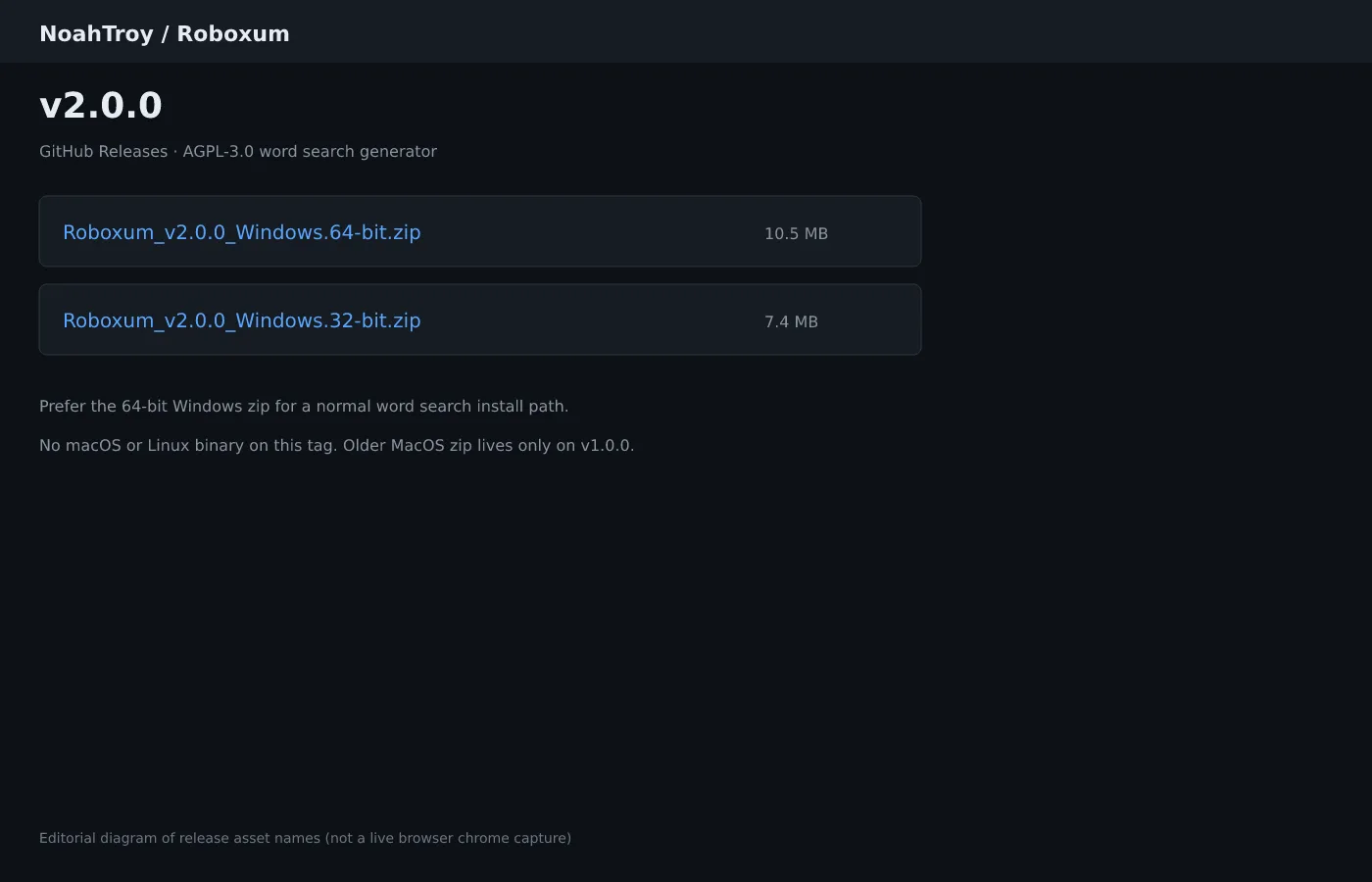
People who typed word search often land on Softonic-class mirrors before they see a real GitHub asset list. This page maps the Roboxum release door so a word search install stays on named zip files.
On the current tag, NoahTroy/Roboxum ships Roboxum_*_Windows.64-bit.zip as the primary Windows word search build and Roboxum_*_Windows.32-bit.zip as the alternate. Open GitHub Releases and confirm those exact names before you extract anything.
No macOS or Linux binary ships on the reviewed current tag. An older MacOS app zip exists only on v1.0.0, and the README warns about toolkit issues. Linux desks use Python source from the same repository.
Which word search file to take first
Prefer the 64-bit Windows zip for a normal classroom or home word search generator. Keep the 32-bit zip for older machines that cannot run 64-bit builds. Write the filename on the lab ticket so the next bump matches the same family.
README publishes SHA-256 hashes for both Windows zips on v2.0.0. Compare hashes when your security policy requires it. SmartScreen wording after extract remains UNVERIFIED on this review date.
Skip package managers that do not exist for this project. winget and Homebrew cask were searched and not found. Do not invent an id just to make the install panel look busier.
How release tags relate to word search installs
Tag v2.0.0 is the current Windows door this guide tracks. Tag v1.0.0 still lists older Windows zips plus a MacOS app zip. Prefer the current tag for Windows word search labs unless a policy pins an older hash.
Release notes for v2.0.0 mention custom character sets, a redesigned GUI, filler characters, and related generator improvements. Those features show up in the main window as Character set, Custom Filler Characters, and Edit Character Set.
When a new tag appears, re-run the fetch step and confirm assetMatch still picks the 64-bit Windows zip. A renamed Softonic mirror is never a substitute for the Releases list.
Verify the download before you generate
Confirm the browser address bar still shows github.com/NoahTroy/Roboxum. Extract the zip to a folder you control, then run Roboxum.exe once so the Word Finder Puzzle Generator window appears.
If random puzzles fail, check that wlen.dat sits beside the executable. Custom word lists do not need that file, but random word search generation does.
Related pages: download safely, Windows install, and first hour.
macOS and Linux release reality
macOS operators who need current code should follow the README advanced path with Python 3, Tk, and fpdf. The v1.0.0 MacOS zip is older and warned upstream.
Linux operators clone the repository and run python3 main.py after installing Tk and fpdf. No AppImage, deb, or Flatpak ships on the reviewed tags.
Those source doors still produce the same style of word search PDF once the GUI opens. Keep Windows zips as the shared lab path when most machines are Windows.
Operational habits that keep word search installs honest
- Write the GitHub Releases URL on the machine ticket beside the extract folder.
- Prove one printable word search PDF with Default character set before editing customCharacterSet.txt.
- Keep a browser word search bookmark for guests without install rights.
- Pin the exact zip name when a new tag appears before imaging every lab PC.
Find Bind verifies asset names and README requirements for this word search guide. Upstream product bugs belong on the Roboxum issue tracker.
Printable word search packets without account walls
A local generator keeps vocabulary lists and PDF worksheets on disk you control. That matters when a browser word search maker changes layout the night before a quiz.
- Windows carts: prefer
Roboxum_*_Windows.64-bit.zipfrom GitHub Releases. - Linux and current macOS: Python source with Tk and fpdf, not invented store ids.
- Treat Softonic-class pages as distractors when people search for word search.
After every reimage, prove one short word search PDF before you call the cart ready for class.